
Key Takeaways
Automating your periodic reporting saves significant time and reduces manual errors, allowing your team to focus on high-level strategy. This guide breaks down the essential steps to build reliable reporting systems that keep clients informed and satisfied.
- Reporting automation removes repetitive manual data collection tasks.
- Integrating multiple data sources builds a complete view of client performance.
- Reliable automation systems require ongoing monitoring for accuracy.
- Transparency in reporting improves long-term client retention.
- Strategic insights should always accompany automated metrics.
The benefits of automating your client reporting process
Most agencies spend far too many hours every month chasing down numbers from disparate platforms. When you finally stop the cycle of manual data wrangling, you shift your entire operation toward genuine analysis instead of basic data entry.
Reducing manual workload for account managers
Account managers often feel like glorified spreadsheet clerks at the end of each month. By deploying Data & Reporting services, you can ensure that the raw numbers are transformed into relevant updates automatically before the team even steps into a client meeting.
Improving consistency in branding and presentation
Messy, varied report formats tell clients that you are disorganized. Standardizing your output through automation ensures that every single client receives a professional, branded update, mirroring the consistency found in AI & Automation Services.
Eliminating human error in data calculations
Manual copy-pasting is a recipe for disaster. When your numbers are pulled directly from API feeds, you stop worrying about transcription errors and start trusting the data at the bottom of your client reports.
Increasing billable time for strategic work
When you stop spending three hours building a report, you have those three hours back for high-value client communication. Our NuggetAI team built these systems specifically to reclaim that time for strategic growth conversations.
Essential data sources to integrate for holistic reporting
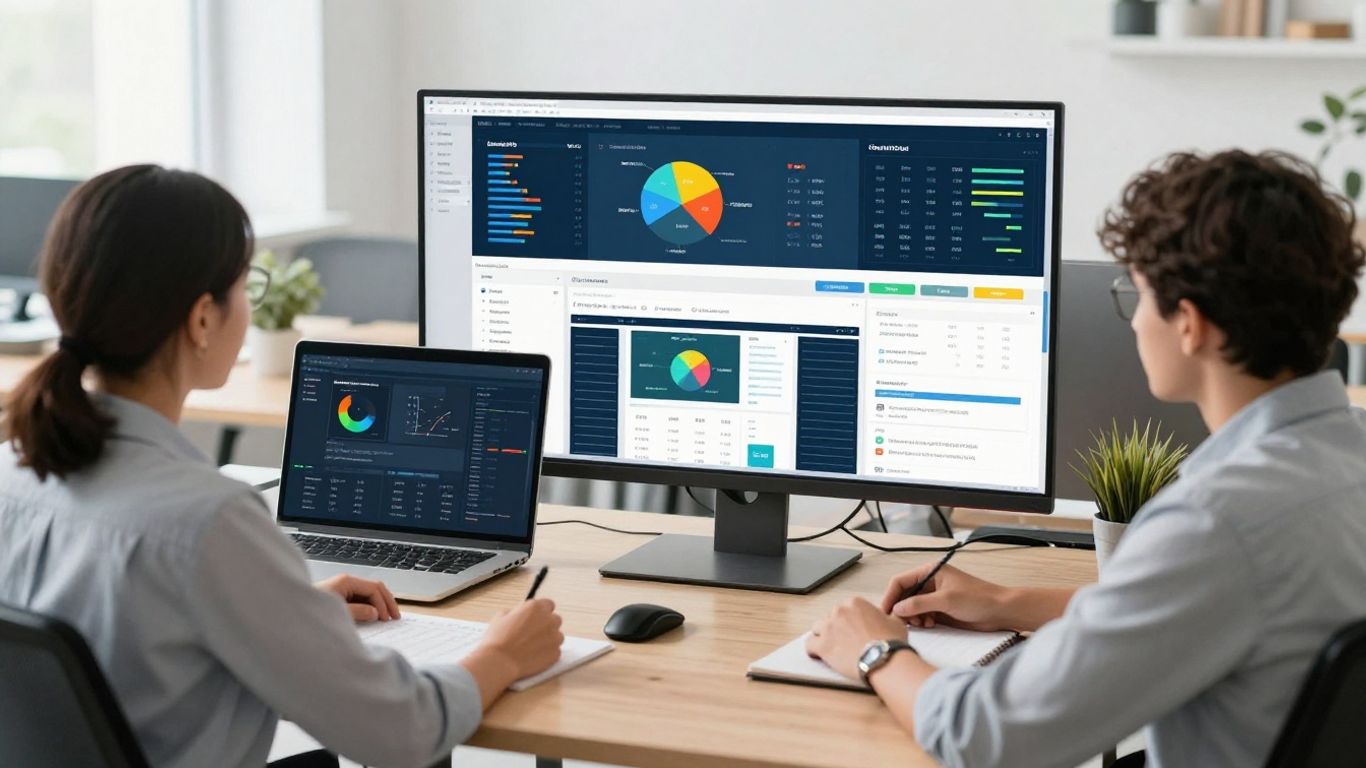
Getting a holistic view of performance requires pulling data from every touchpoint your client manages. If you only look at one platform, you are essentially looking at the world through a keyhole while ignoring the entire house.
Connecting social media marketing platforms
Social metrics tell you about community health, but they need to be pulled reliably alongside other channel performance. You need to connect these feeds to a centralized engine that normalizes the data for easy consumption.
Syncing paid advertising channels
Syncing your paid spend allows you to compare ROI across platforms like Meta or Google without building custom spreadsheets daily. Agencies often find that centralized data visibility is the primary driver of performance optimization.
Integrating CRM platforms for conversion tracking
| Data Source | Metric Captured | Business Impact |
| :--- | :--- | :--- | :--- |
| Ad Manager | Cost Per Click | Efficiency |
| CRM Pipeline | Qualified Leads | Pipeline Health |
| Search Console | Organic Clicks | Visibility |
Integration with your CRM is non-negotiable for proving real revenue growth. When you bridge the gap between ad spend and sales closures, you demonstrate a clear link to profitability that standard marketing metrics fail to highlight.
Importing metrics from organic search and SEO tools
Organic data needs to be tracked over long horizons to be meaningful. Automated pipelines ensure that your historical data remains accessible and clean for quarterly performance reviews.
Selecting the right automation tools for your agency
Choosing the right stack isn't about picking the trendiest tool on the market. It is about finding a system that survives the pressure of real-world use without breaking during your busiest months.
Compatibility with your current technology stack
If your new reporting tool does not speak to your existing CRM or project management software, you have just bought yourself another integration headache. You want systems that play well with what you already use, creating a single source of truth.
White-labeling capabilities for professional branding
Clients want to see their success, not the name of a software provider in the footer of their dashboard. Look for tools that allow you to fully strip away third-party branding so the report feels like an extension of your own agency.
Scalability and pricing models for future growth
Agencies go through growth spurts that can make per-seat pricing models difficult to manage. Find a provider that does not penalize you for adding client accounts as your agency matures.
Ease of use for non-technical team members
If an account manager cannot pull an insight in under sixty seconds, the tool is a failure. Complexity is the enemy of adoption, and you need a platform that is accessible to everyone on the team.
Building an automated reporting workflow from scratch

Building a robust workflow requires a shift in mindset from task-based work to process-based architecture. You define the logic once, and the system runs the routine forever.
Defining key performance indicators by client type
Not every client cares about the same numbers. A local cafe needs different data than an e-commerce brand, so define your core metrics before you write a single line of automation code.
Setting up automated data extraction schedules
- Establish a standard refresh time for all platforms.
- Verify API connections to prevent silent data failure.
- Standardize naming conventions for all data inputs.
- Schedule deliveries during windows when clients actually read them.
Consistency is the bedrock of trust when you start a reporting routine. If the report arrives at the same time every week, the client learns to expect it and, more importantly, learns to engage with it.
Automating visual presentation and dashboard creation
Interactive dashboards provide a much clearer narrative than static PDFs. They allow clients to drill into data when they want answers, providing an improved reporting experience that keeps them engaged.
Configuring trigger-based delivery for report distribution
Reports should land in the inbox based on completion of data fetches, not manual clicking. Trigger-based distribution ensures the client gets the data while it is still fresh and actionable.
Best practices for maintaining data accuracy and quality control
Automated systems can still experience "silent failure" where a connection drops but the report still sends. You must be proactive about verifying that the data you see is the data that actually exists in the source platforms.
Conducting periodic audits of automated data streams
Even the most robust pipelines need a human audit at least once a quarter. Double-check that your dashboard numbers match your platform source numbers to ensure no drift occurred.
Harmonizing disparate data formats across platforms
Platforms rarely agree on how to count a lead or define a conversion. Your automation layer must perform this harmonization automatically, otherwise, you spend your time manually correcting the differences.
Creating alert systems for broken API connections
When a feed fails, you need to know before the client does. Set up automated Slack or email alerts that notify your internal team immediately whenever a data sync returns an error.
Establishing human review protocols before client delivery
Automation manages the heavy lifting, but a human must review the narrative. Use automation to build the draft, but always add a personal note or summary that provides context to the raw numbers.
Communicating report automation to your clients
Automation is not a way to hide from your clients; it is a way to serve them better. You must explain that the speed and clarity they are receiving comes from a system designed to keep them informed in real-time.
Framing automation as a value-add for transparency
Position the move to automated dashboards as an investment in transparency. Clients appreciate knowing that they have access to the exact same numbers that you are reviewing.
Teaching clients how to navigate interactive dashboards
A dashboard is only useful if the client knows how to read it. Spend ten minutes in your next onboarding meeting walking them through how different filters and date ranges work to reveal the story behind the charts.
Balancing automated data with personalized insights
The danger of automated reporting is becoming a faceless data provider. Always wrap your automated stats in your own agency's analysis, explaining what the data means for their business goals this month.
Addressing potential client concerns regarding automated reports
Some clients may worry that automation means less "care." Reassure them that you have simply moved the time spent on data entry into time spent on strategic planning, ensuring their marketing dollars are working harder than ever.
Conclusion
Learning how to automate client reporting is perhaps the most significant efficiency step an agency can take to improve both internal margins and external client relationships. By moving away from manual data tasks and toward reliable, automated dashboards, you create an environment where decisions are backed by data and client trust is built through consistent, actionable communication.
Frequently Asked Questions
Why should an agency prioritize reporting automation?
Automation frees your account managers from manual data entry, shifting their workload toward strategic analysis while providing clients with accurate, up-to-date performance insights.
Will automated reporting make client relationships feel impersonal?
When balanced with personalized analysis and strategic notes, automation actually strengthens trust by providing higher levels of transparency and more frequent, reliable data delivery.
What is the biggest risk of using automated reports?
The primary risk is a silent failure where data sources break or disconnect without notice, leading to stale or incorrect data in the reports if you do not have proper monitoring in place.
How often should I audit my automated data connections?
It is best practice to perform a manual audit of your automated data streams at least once per quarter to ensure the numbers in your dashboards match your source platforms.
What metrics are most essential to include in a report?
Focus on the metrics that directly impact the goals established during client onboarding, ensuring that your reports remain relevant to the specific business outcomes each client cares about.
Should I use branded templates for my client reports?
Yes, using white-labeled templates ensures that your agency maintains a professional, consistent presentation across all client touchpoints, reinforcing your brand identity.
How do I handle a client who wants granular manual data?
Use automated dashboards to provide the high-level performance metrics, and reserve your manual efforts for deep-dive investigations into specific campaigns or strategic questions they might raise during performance reviews.